





 Mobile
Repairing Tools
Mobile
Repairing Tools
 Touch/Glass/OCA
Glass
Touch/Glass/OCA
Glass Stencils &
IC
Stencils &
IC OCA Machine &
Parts
OCA Machine &
Parts Mobile
Accessories
Mobile
Accessories Software
 OCA
Sheets &
Polarizers
OCA
Sheets &
Polarizers


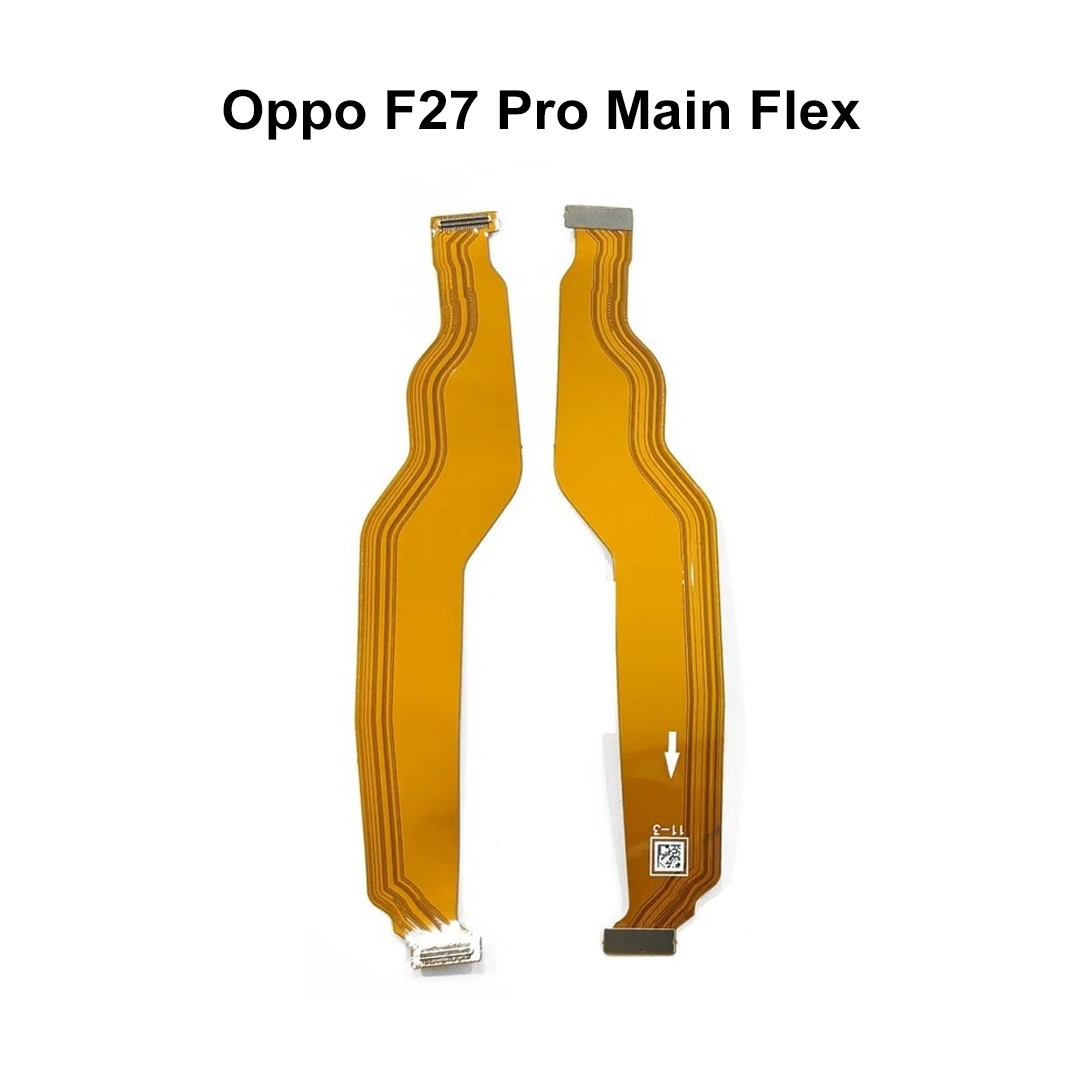
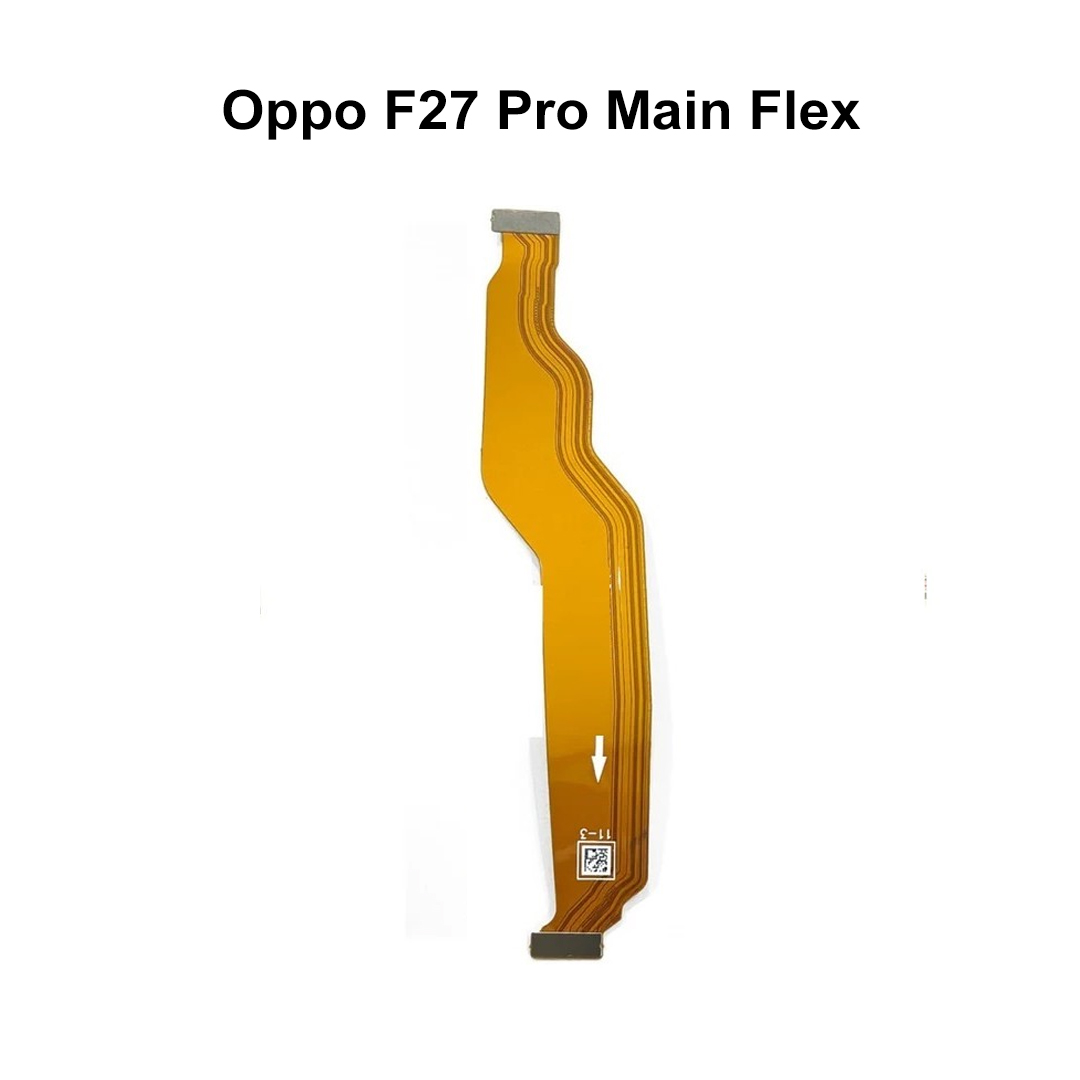
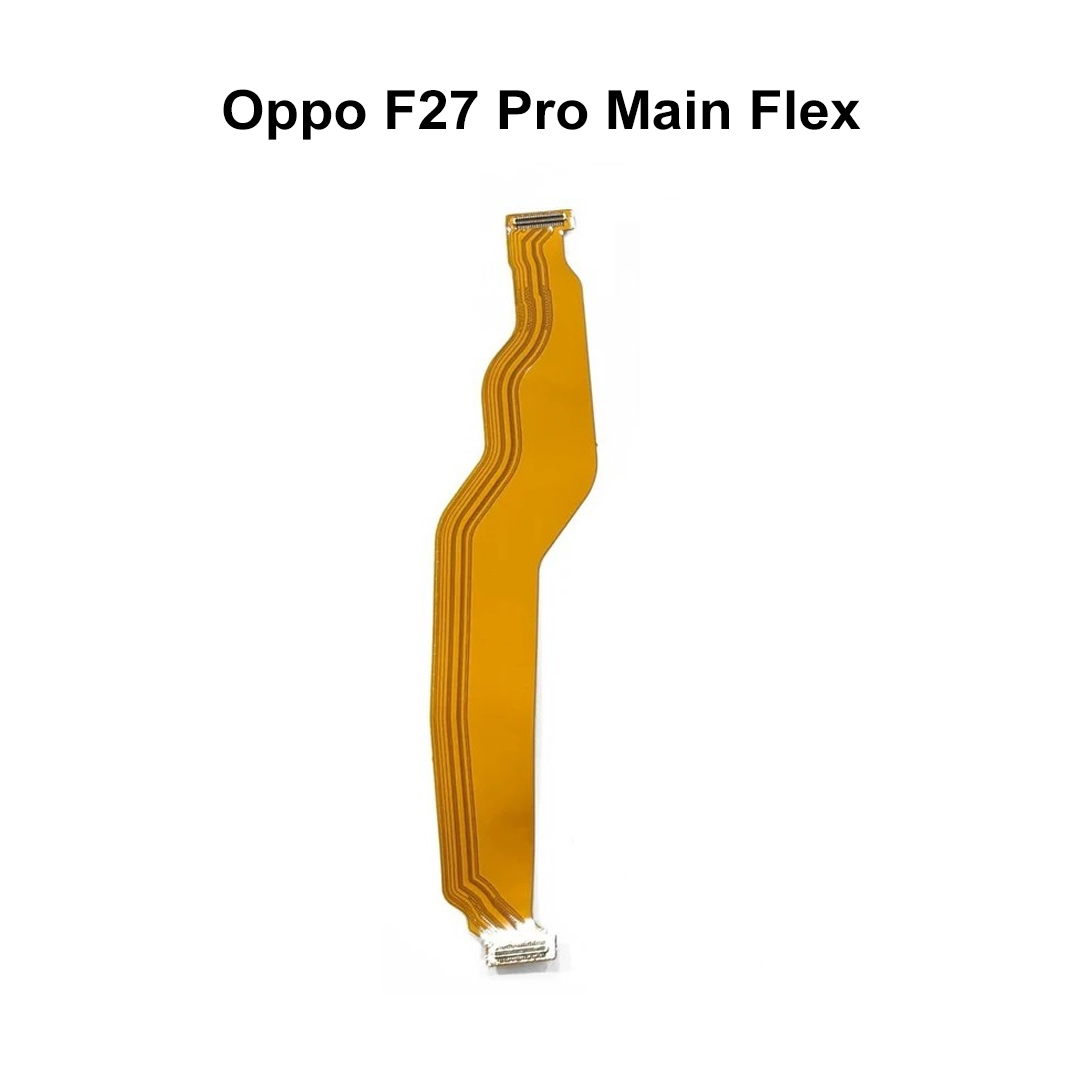
The Oppo F27 Pro Main Flex Cable is an essential internal component responsible for maintaining communication between the smartphone's motherboard and sub-board. It plays a crucial role in power distribution, charging functions, data transmission, and overall device connectivity. If your Oppo F27 Pro experiences charging issues, intermittent connectivity, signal problems, or motherboard communication errors, replacing the damaged main flex cable can restore proper functionality. High-quality replacement flex cables are manufactured using durable materials and are designed to match the original specifications for a precise fit and reliable performance.Key Features
Feature
Description
Perfect Fit
Designed specifically for Oppo F27 Pro.
High Durability
Manufactured using premium flexible PCB materials.
Stable Connectivity
Ensures reliable motherboard-to-sub-board communication.
OEM Quality
Closely matches original factory specifications.
Quality Tested
Checked for performance and functionality before dispatch.
Precise Connectors
Accurate connector alignment for secure installation.
Lightweight Design
Compact and lightweight internal component.
Reliable Performance
Supports stable charging and data transfer functions.
Repair Friendly
Ideal for technicians and repair professionals.
Long Service Life
Built to withstand regular device operation.
Benefit
Advantage
Flexible Circuit Design
Allows easy routing inside the device.
High Conductivity
Supports efficient signal transmission.
Secure Connections
Reduces risk of loose internal contacts.
Precision Manufacturing
Ensures accurate fitment.
Durable Construction
Resistant to normal wear and bending.
Reliable Signal Flow
Maintains stable device performance.
Product Overview
Common Problems Solved
Issue
Possible Solution
Phone Not Charging
Replace damaged main flex cable.
Intermittent Charging
Restore stable board connection.
Data Transfer Failure
Fix communication between boards.
Device Restarting Randomly
Resolve motherboard connection issues.
Network Instability
Improve internal signal routing.
Accessory Detection Issues
Restore proper hardware communication.
Power Supply Interruptions
Replace worn or damaged flex cable.
Important Installation Notes
Recommendation
Details
Test Before Installation
Verify functionality before final assembly.
Handle Carefully
Flex cables are delicate and should not be bent excessively.
Use Proper Tools
Employ professional mobile repair tools.
Align Connectors Correctly
Prevent damage caused by improper installation.
Professional Repair Suggested
Installation by experienced technicians is recommended.
Suitable For
| Weight |
0.002 kg |
|---|
Customer Reviews
No reviews yet
Be the first to review this product.