





 Mobile
Repairing Tools
Mobile
Repairing Tools
 Touch/Glass/OCA
Glass
Touch/Glass/OCA
Glass Stencils &
IC
Stencils &
IC OCA Machine &
Parts
OCA Machine &
Parts Mobile
Accessories
Mobile
Accessories Software
 OCA
Sheets &
Polarizers
OCA
Sheets &
Polarizers


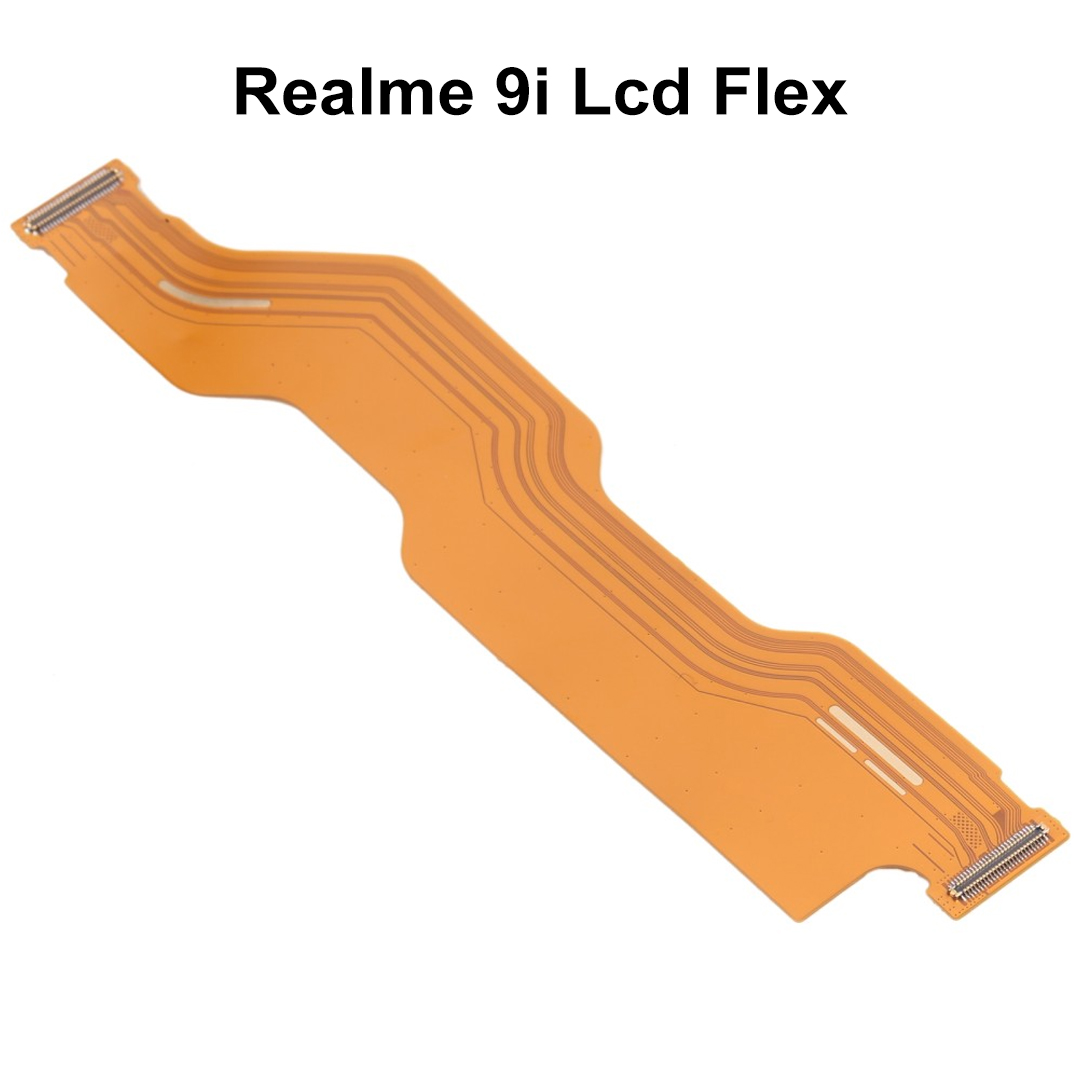
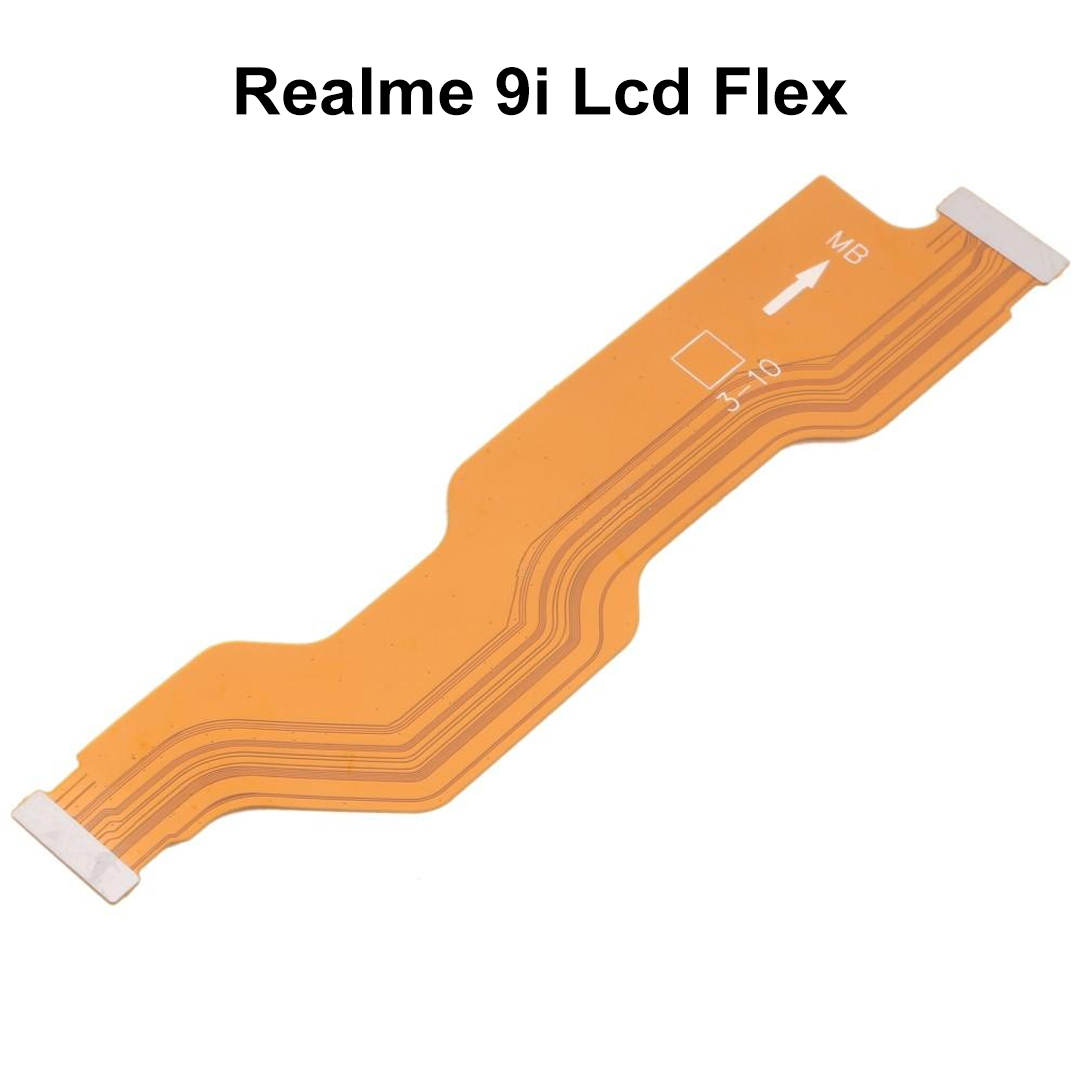
The Realme 9i LCD Flex Cable is a high-quality replacement spare part designed to restore proper communication between the display assembly and the motherboard. It is an essential component for repairing display-related issues caused by a damaged, torn, bent, or faulty flex cable. The replacement flex cable ensures stable signal transmission for display output and touch responsiveness. This LCD flex cable is manufactured using durable flexible circuitry and precision connectors to provide accurate fitting and reliable performance. It is suitable for mobile repair technicians, service centers, and advanced DIY repair professionals. The Realme 9i LCD Flex Cable can help resolve: These symptoms are commonly associated with damaged display connectors or faulty flex cables. Professional installation is strongly recommended to prevent accidental damage to the display, motherboard, or connectors.Key Features
Feature
Details
Perfect Fit
Specifically designed for Realme 9i
Reliable Connection
Restores LCD and motherboard communication
High Durability
Flexible and long-lasting PCB construction
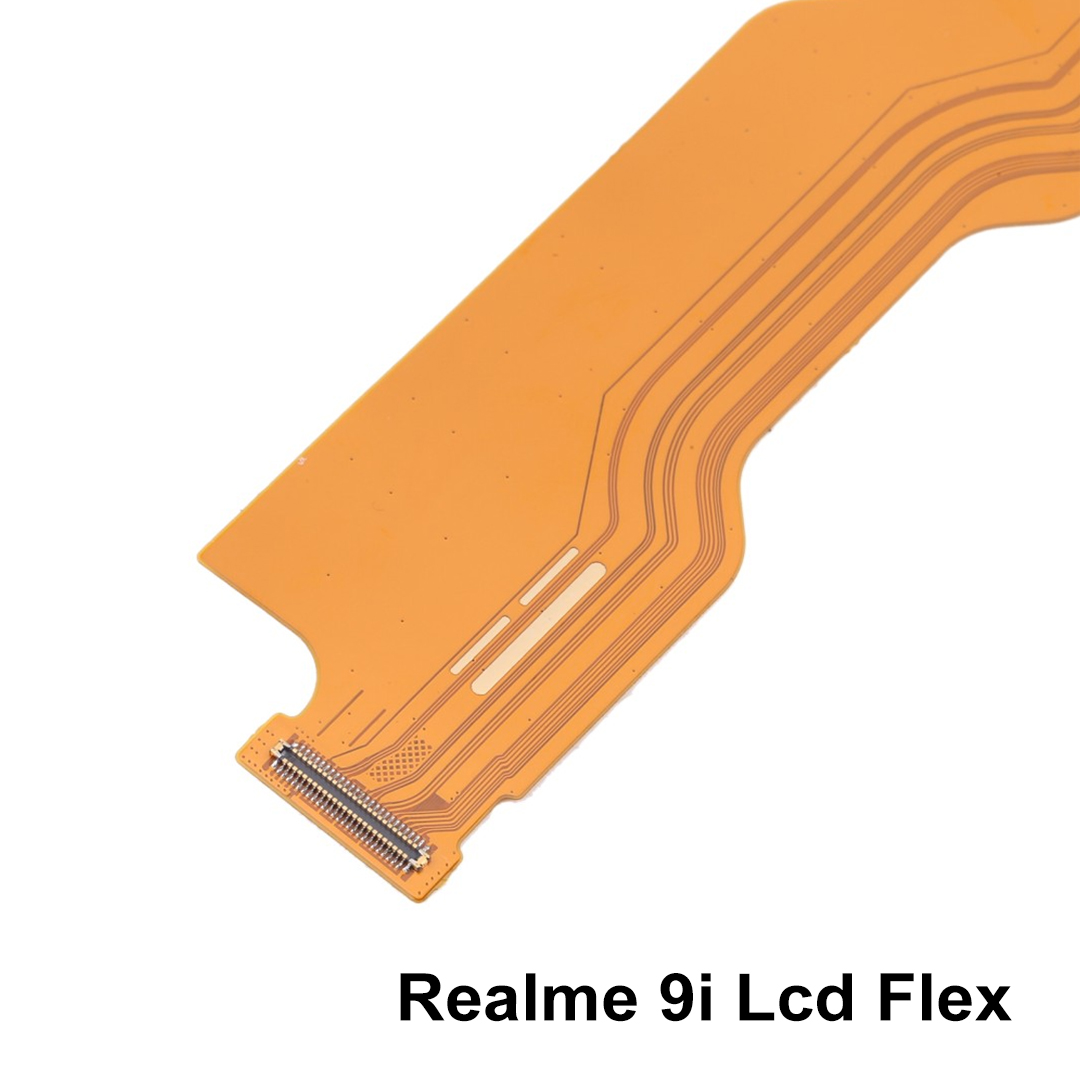
Precision Connectors
Secure and accurate motherboard fitting
Stable Display Output
Supports uninterrupted screen performance
Quality Tested
Checked before shipping by suppliers
Cost-Effective Repair
Lower repair cost compared to full display replacement
Lightweight Design
Compact and easy to install
Specifications
Specification
Details
Product Category
Mobile Phone Spare Parts
Part Name
LCD Flex Cable
Device Brand
Realme
Device Model
Realme 9i
Connector Type
OEM Flex Connector
Flex Material
Flexible Printed Circuit (FPC)
Installation Position
Between LCD Assembly and Motherboard
Repair Purpose
Display Connectivity Restoration
Packing Type
Loose Packing
Weight
Approx. 8g (varies by supplier)
Quality Grade
OEM Compatible / Original Equivalent
Product Overview
Common Problems Solved
Issue
Solution
No Display
Restores display signal transmission
Screen Flickering
Stabilizes LCD connection
Display Lines
Fixes connection-related display issues
Intermittent Screen Failure
Improves communication between LCD and motherboard
Loose Display Connection
Replaces damaged flex assembly
Touch Not Responding
Helps when caused by connector damage
Installation Notes
Instruction
Recommendation
Testing
Always test before final installation
Static Protection
Use ESD protection during repair
Skill Level
Professional installation recommended
Inspection
Check motherboard and LCD connectors before replacement
Handling
Avoid excessive bending of flex cable
Safety
Disconnect battery before repair
Applications
| Weight |
0.002 kg |
|---|
Customer Reviews
No reviews yet
Be the first to review this product.