





 Mobile
Repairing Tools
Mobile
Repairing Tools
 Touch/Glass/OCA
Glass
Touch/Glass/OCA
Glass Stencils &
IC
Stencils &
IC OCA Machine &
Parts
OCA Machine &
Parts Mobile
Accessories
Mobile
Accessories Software
 OCA
Sheets &
Polarizers
OCA
Sheets &
Polarizers


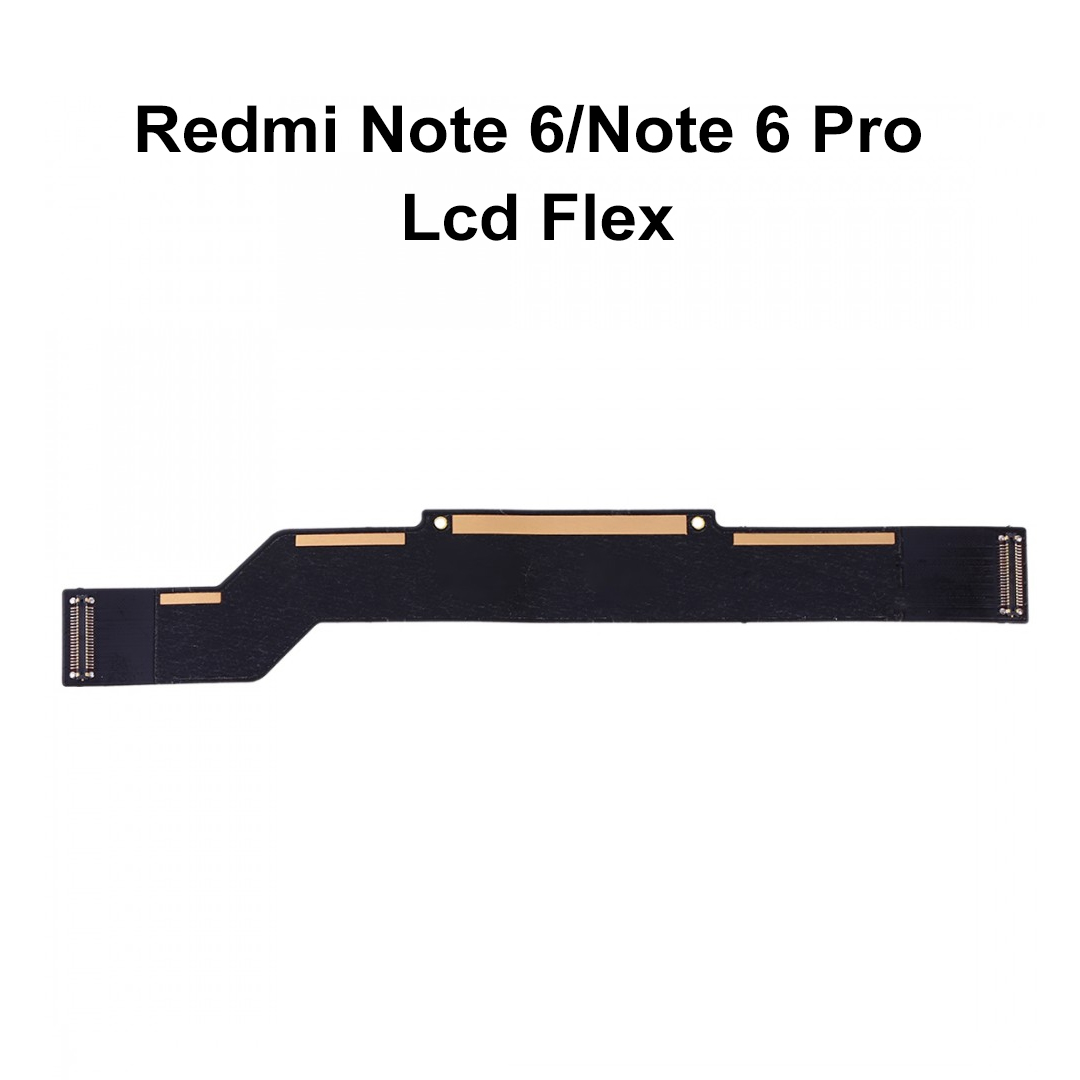
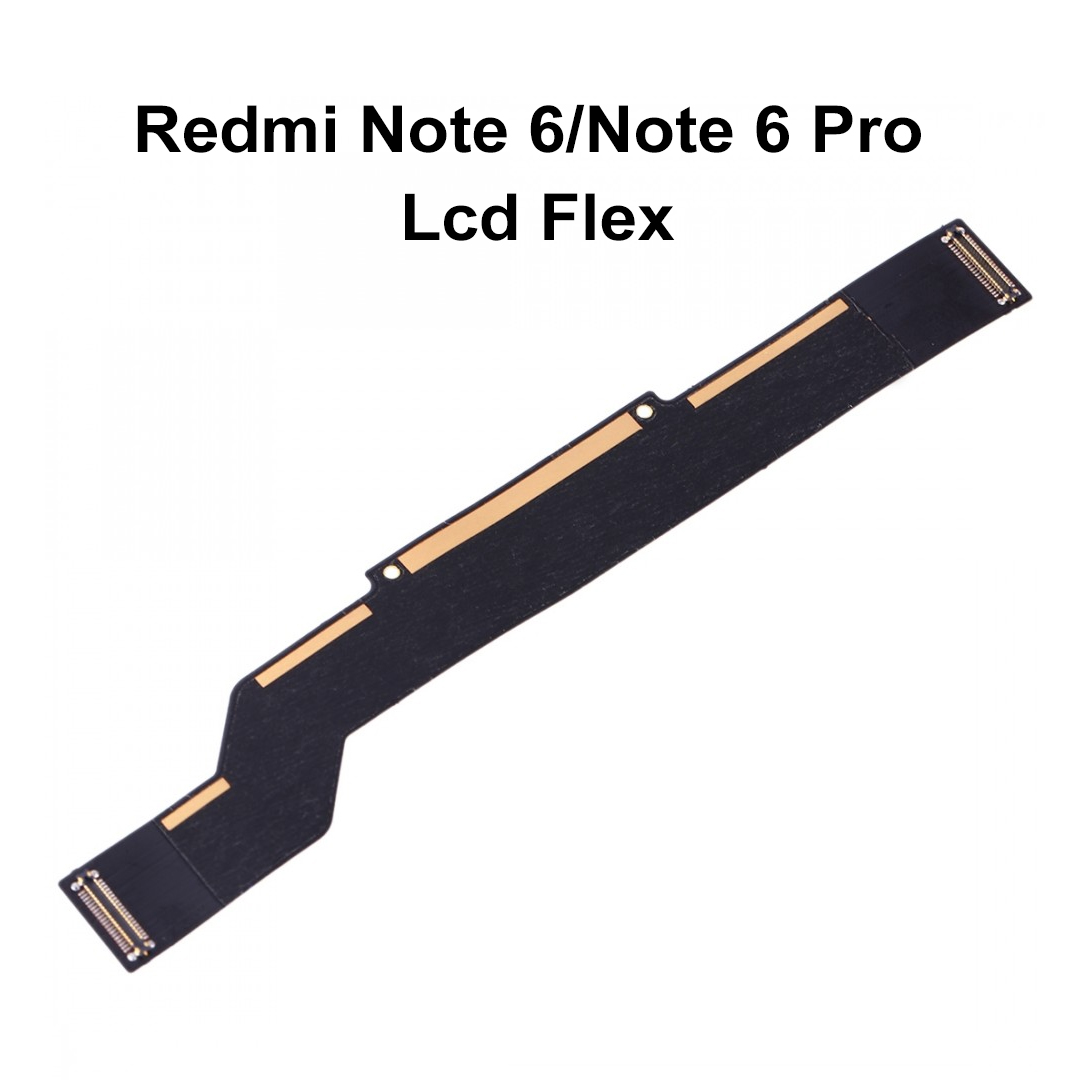
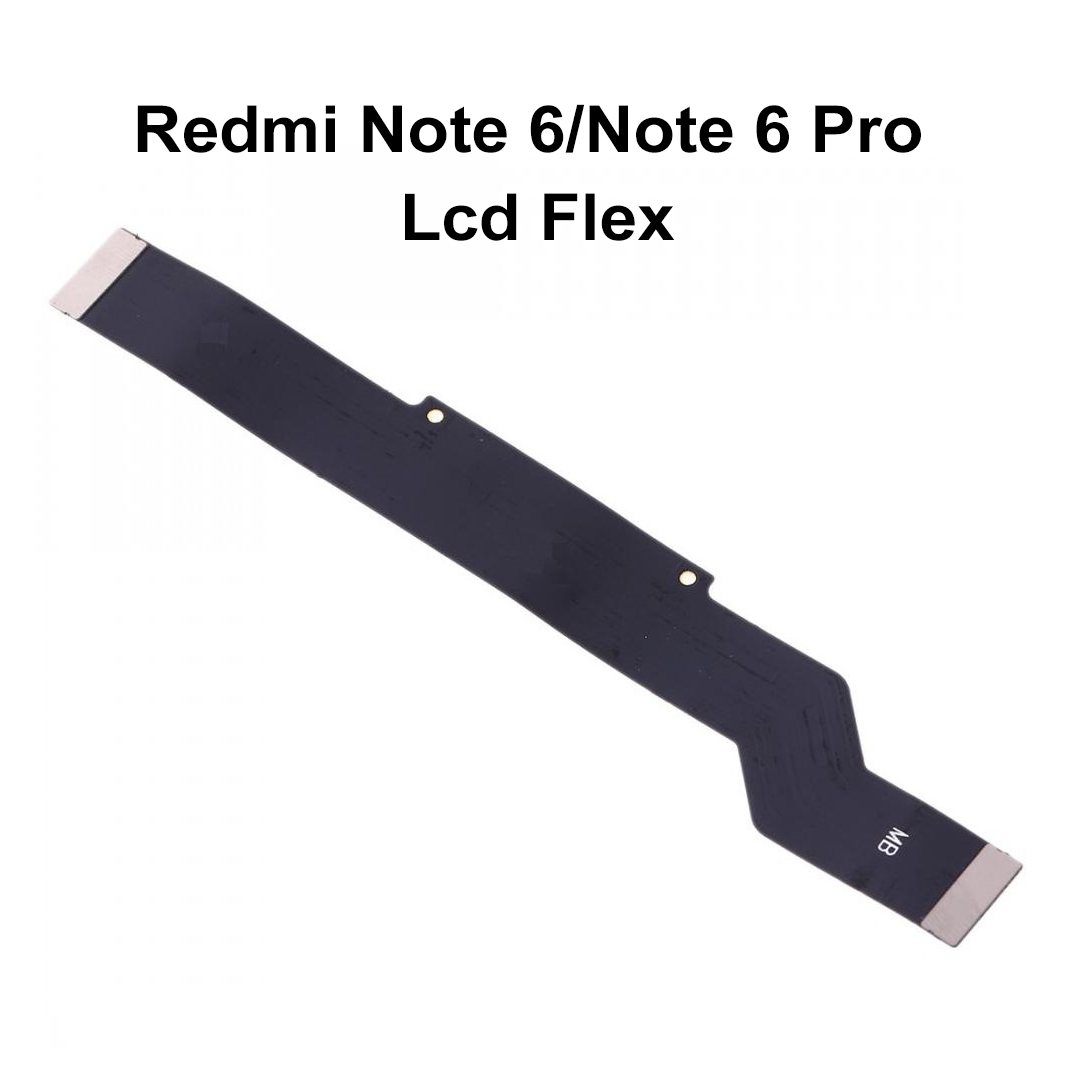
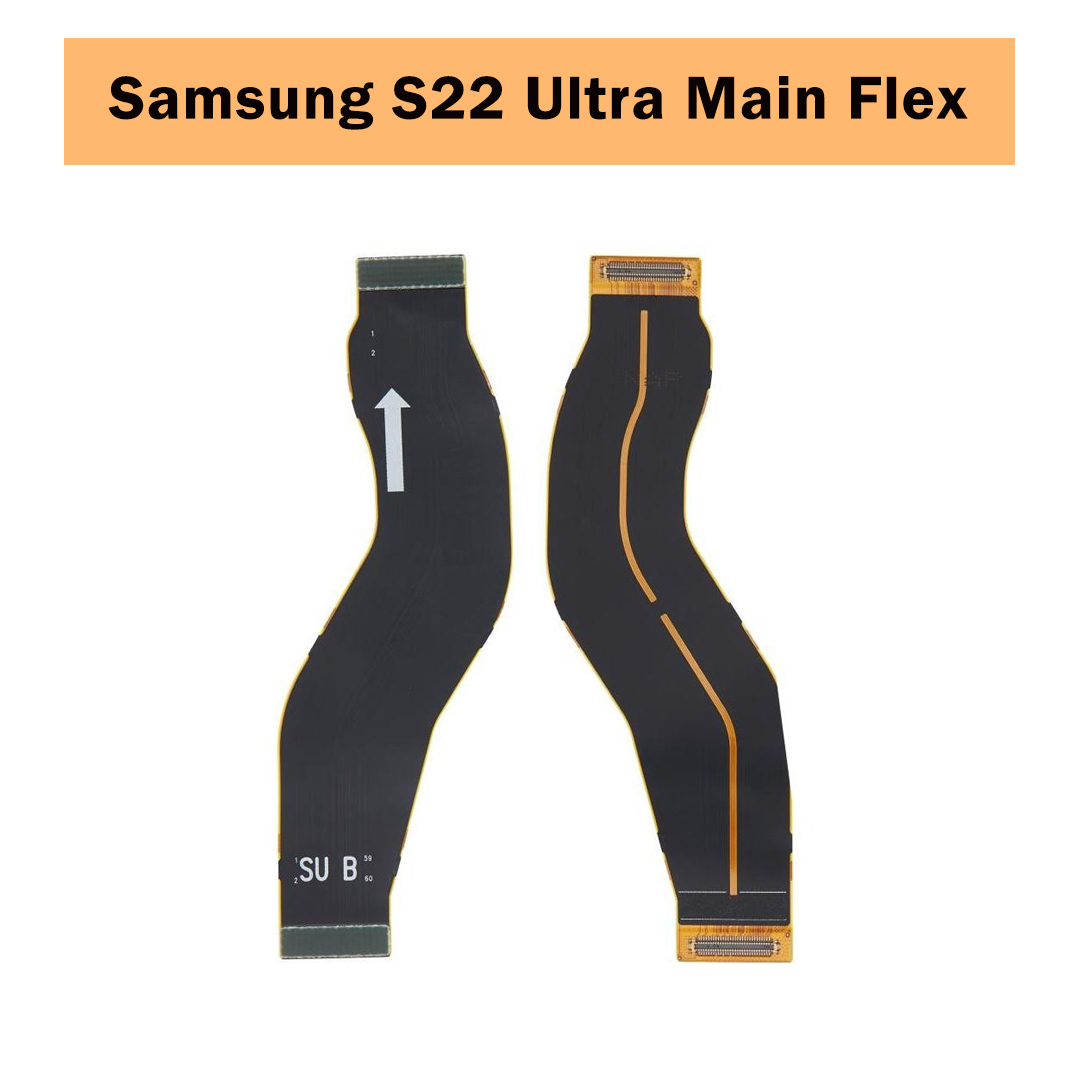
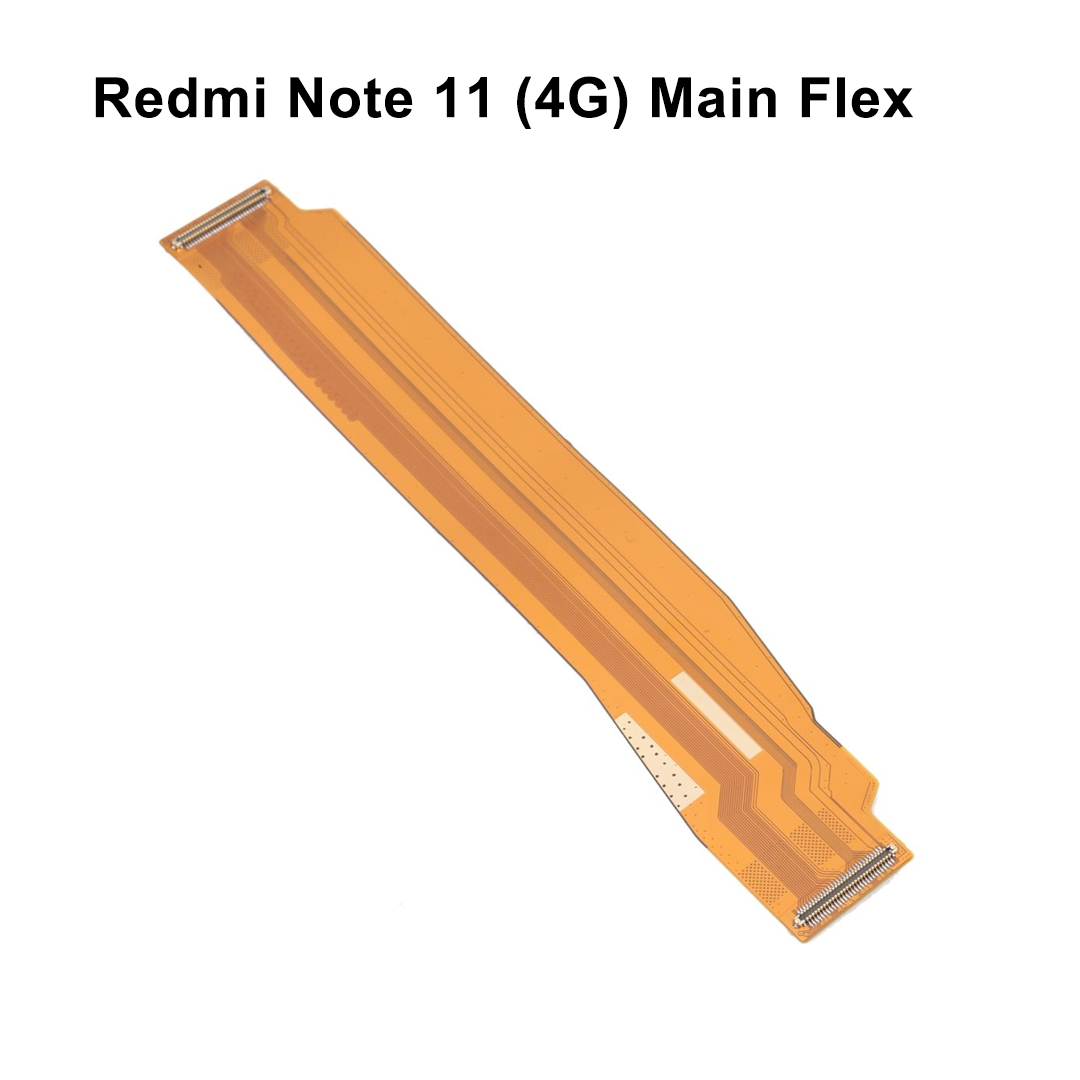
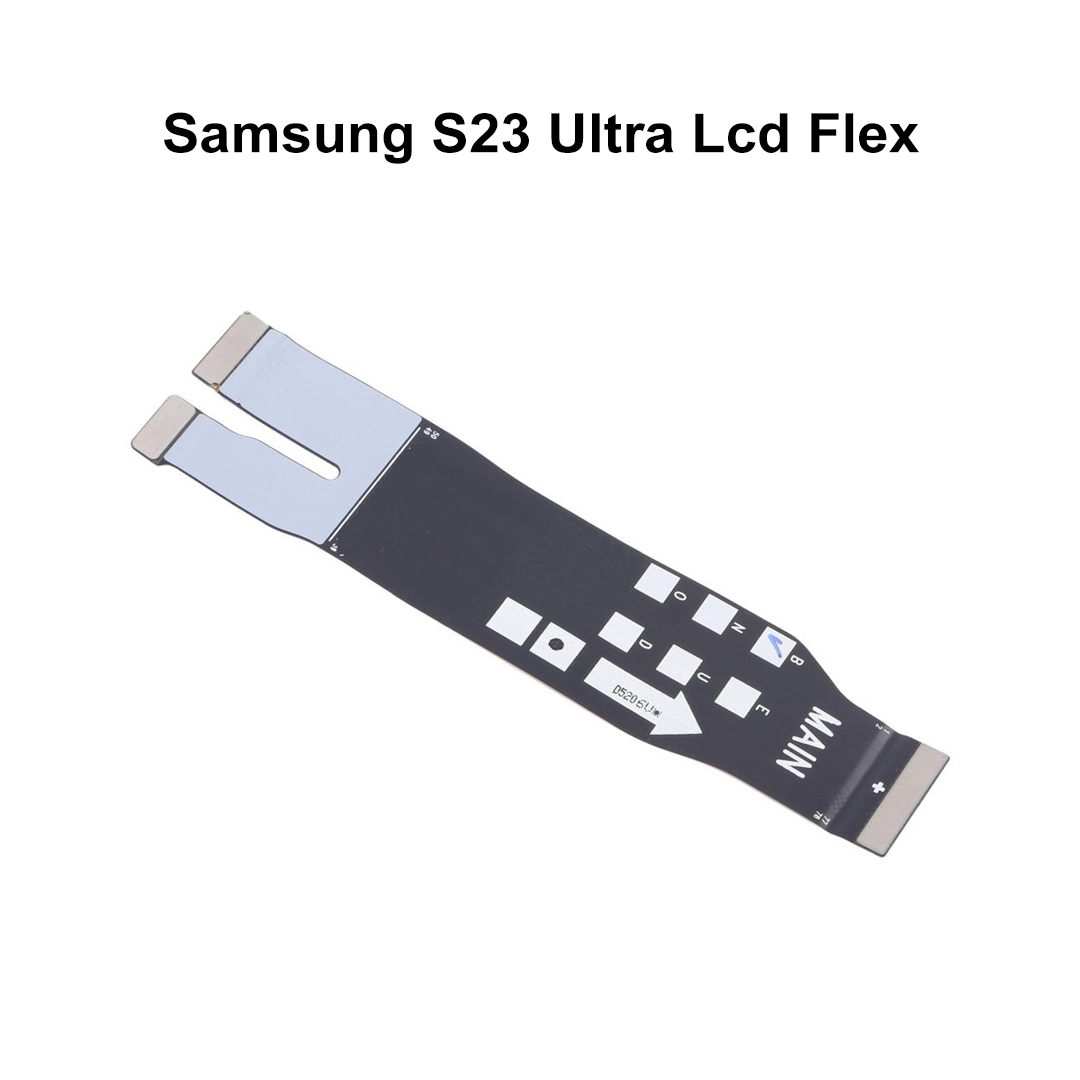
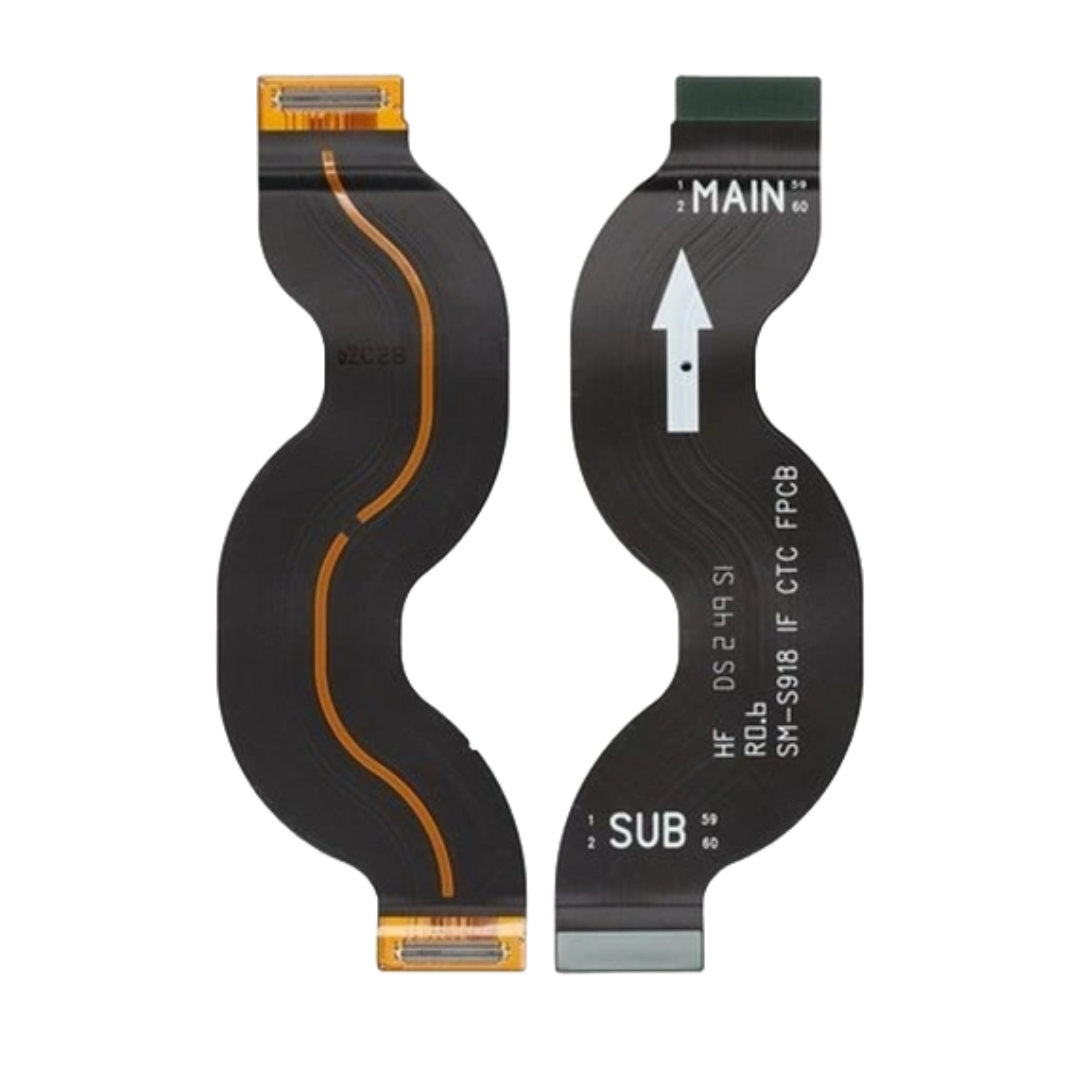
Premium Logic Board to Display Replacement Ribbon High-precision, OEM-quality interconnect ribbon cable engineered to restore communication between the phone’s main motherboard and the LCD display assembly. Perfect for fixing display issues caused by physical wear, tearing, or moisture corrosion.Overview
Key Features
Key Feature / Value Proposition
Signs You Need This Replacement Flex
Durable Flexibility: Engineered to endure twists and bends during internal installation without tearing traces.
Black Screen Issues: Phone turns on (vibrates/makes sound) but the screen remains completely dark.
Gold-Plated Contacts: Lowers signal resistance, ensuring a crisp display and responsive touch mapping.
Flickering & Lines: Random horizontal/vertical lines or flickering graphics appear when pressing the phone body.
Pre-Assembled Connectors: Arrives ready to snap onto the motherboard sockets with no advanced micro-soldering needed.
Unresponsive Touch: The digitizer stops registering touch inputs due to severed data traces on the flex.
Safe Thermal Coating: Resistant to normal internal operating temperatures under heavy smartphone loads.
Corrosion/Tearing: Internal flex ribbon shows physical creases, rips, or green copper rust from liquid exposure.
Specifications
Feature / Attribute
Product Specification Details
Product Name
LCD Display Main Motherboard Flex Cable Ribbon
Compatible Brands
Xiaomi, Redmi, Mi
Compatible Models
Xiaomi Redmi Note 6 / Redmi Note 6 Pro (2018 Edition)
Component Type
Main Flex Interconnect Ribbon (FPC Connector Type)
Material Composition
High-grade Polyimide (PI) with flexible copper traces
Connector Type
Dual-ended precision gold-plated multi-pin FPC connectors
Build Grade
Premium aftermarket/OEM standard (Precision machining for perfect fit)
Condition
100% Brand New and factory-tested
Functionality
Relays video data, backlight power, and touch digitized signals
2. Compatibility & Hardware Support
Device Model
Specific Fitment Data
Redmi Note 6 Pro
Fits global and Indian motherboard variations perfectly without modifications.
Redmi Note 6
Built with exactly the same dimensions and trace configurations as the original pre-installed part.
Hardware Sync
Bridges the Upper Main Motherboard directly to the LCD screen control board.
Target Audience
Mobile repair technicians, e-commerce parts distributors, and DIY hardware hobbyists.
4. Installation & Safety Guidelines
Repair Step
Best Practice Professional Procedure
1. Disassembly
Power off the device. Remove the SIM card tray and gently pry away the rear back cover using safe plastic opening tools.
2. Battery Safety
CRITICAL: Always disconnect the battery flex cable from the logic board before touching or removing the LCD flex.
3. Removal
Carefully unlatch the dual ends of the old, broken main ribbon flex from the board using an ESD-safe nylon spudger.
4. Pre-Testing
Lay the new replacement flex into position and snap the connectors down. Reconnect the battery temporarily to test display functionality before sealing.
5. Finalization
Secure the metal protective bracket plates over the connectors to keep the ribbon from coming loose during accidental drops.
5. Commercial, Shipping & Quality Control
Logistics Category
Policy & Distribution Specifications
Quality Check
Each flex strip goes through electrical continuity testing and visual alignment audits before shipping.
Packaging Details
Sealed safely inside anti-static ESD bubble bags to prevent trace damage or bending during transit.
Storage Instructions
Store flat in a dry, room-temperature environment away from sharp metal tools.
Shipping Availability
Ready for fast express dispatch across India and global supply networks.
| Weight |
0.002 kg |
|---|
Customer Reviews
No reviews yet
Be the first to review this product.