





 Mobile
Repairing Tools
Mobile
Repairing Tools
 Touch/Glass/OCA
Glass
Touch/Glass/OCA
Glass Stencils &
IC
Stencils &
IC OCA Machine &
Parts
OCA Machine &
Parts Mobile
Accessories
Mobile
Accessories Software
 OCA
Sheets &
Polarizers
OCA
Sheets &
Polarizers


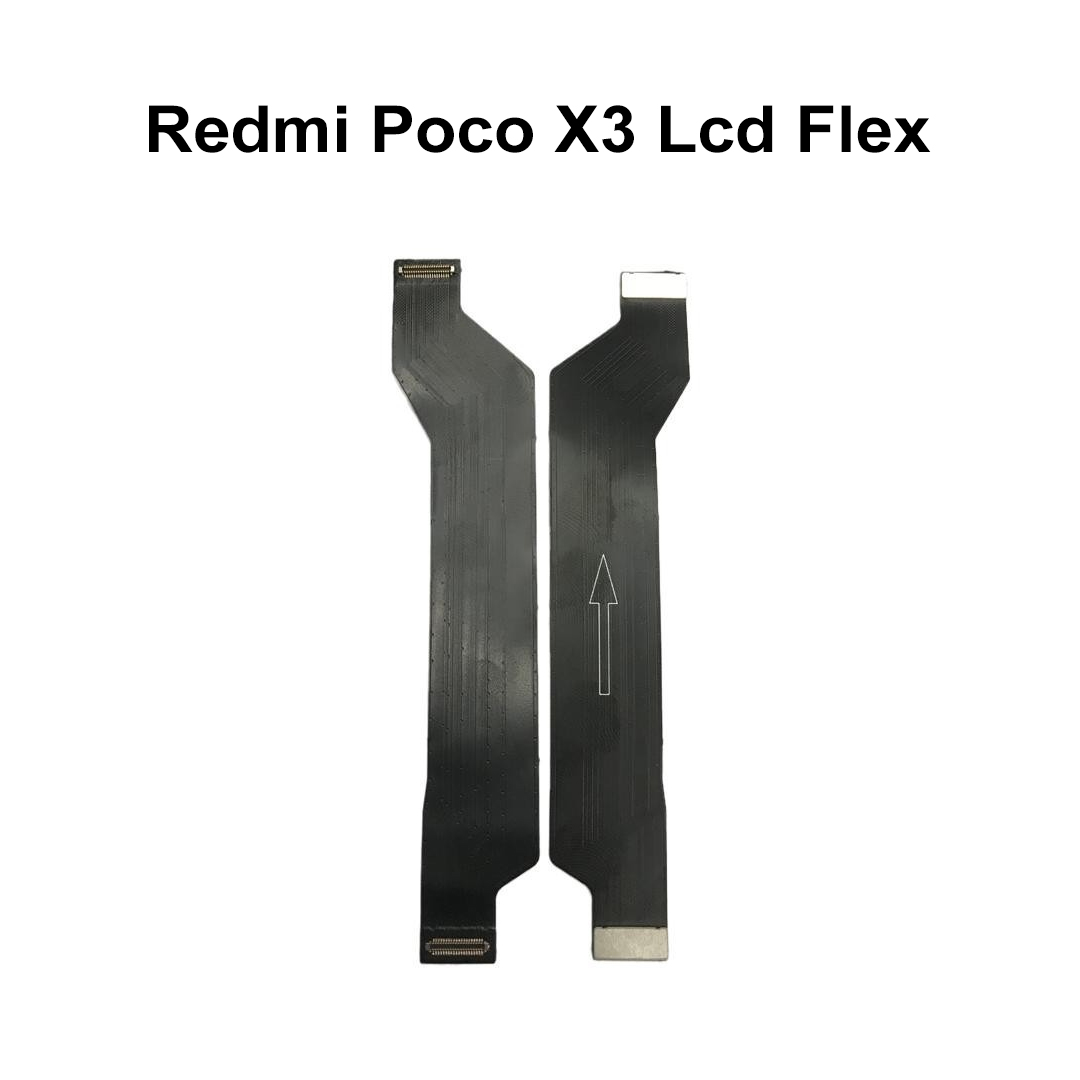
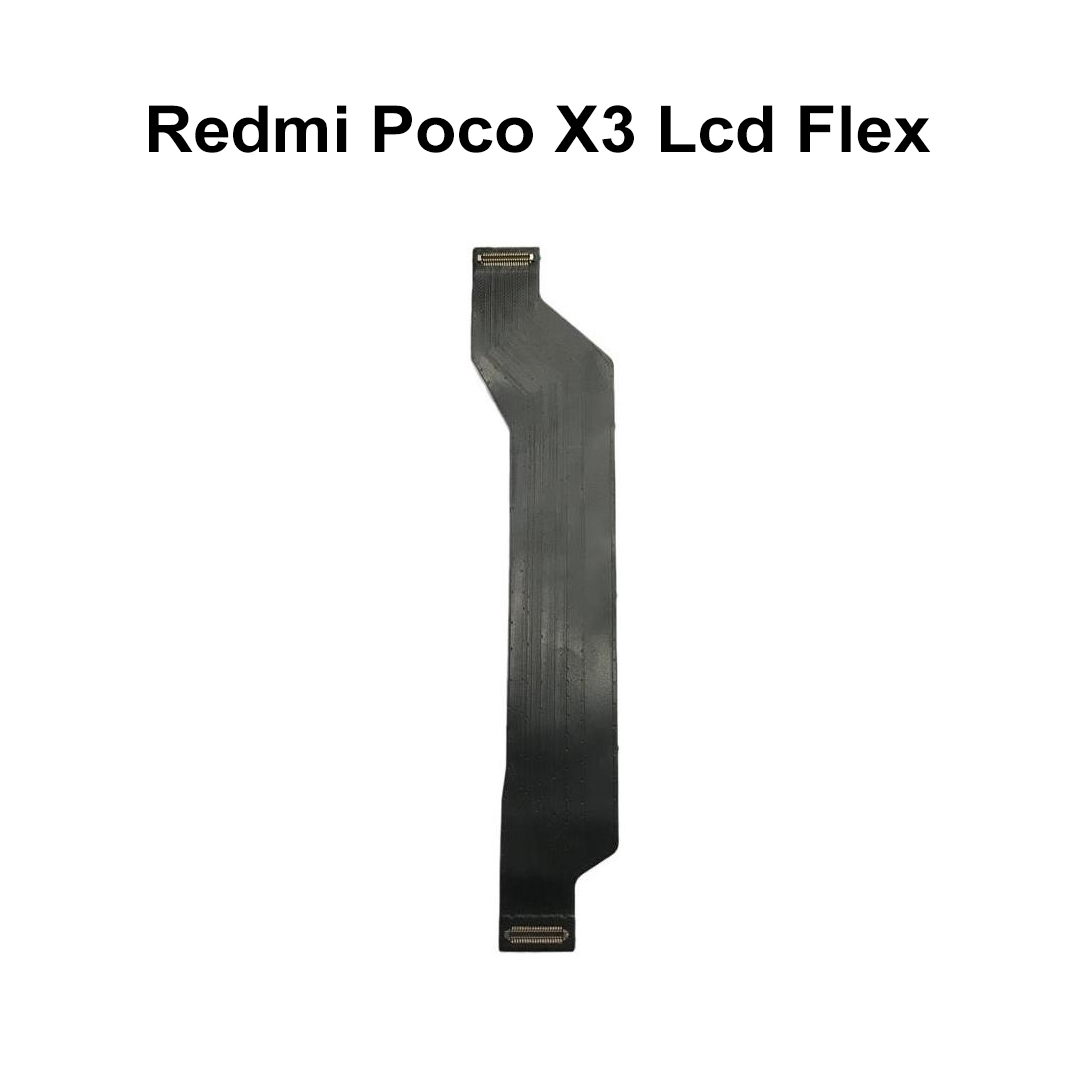
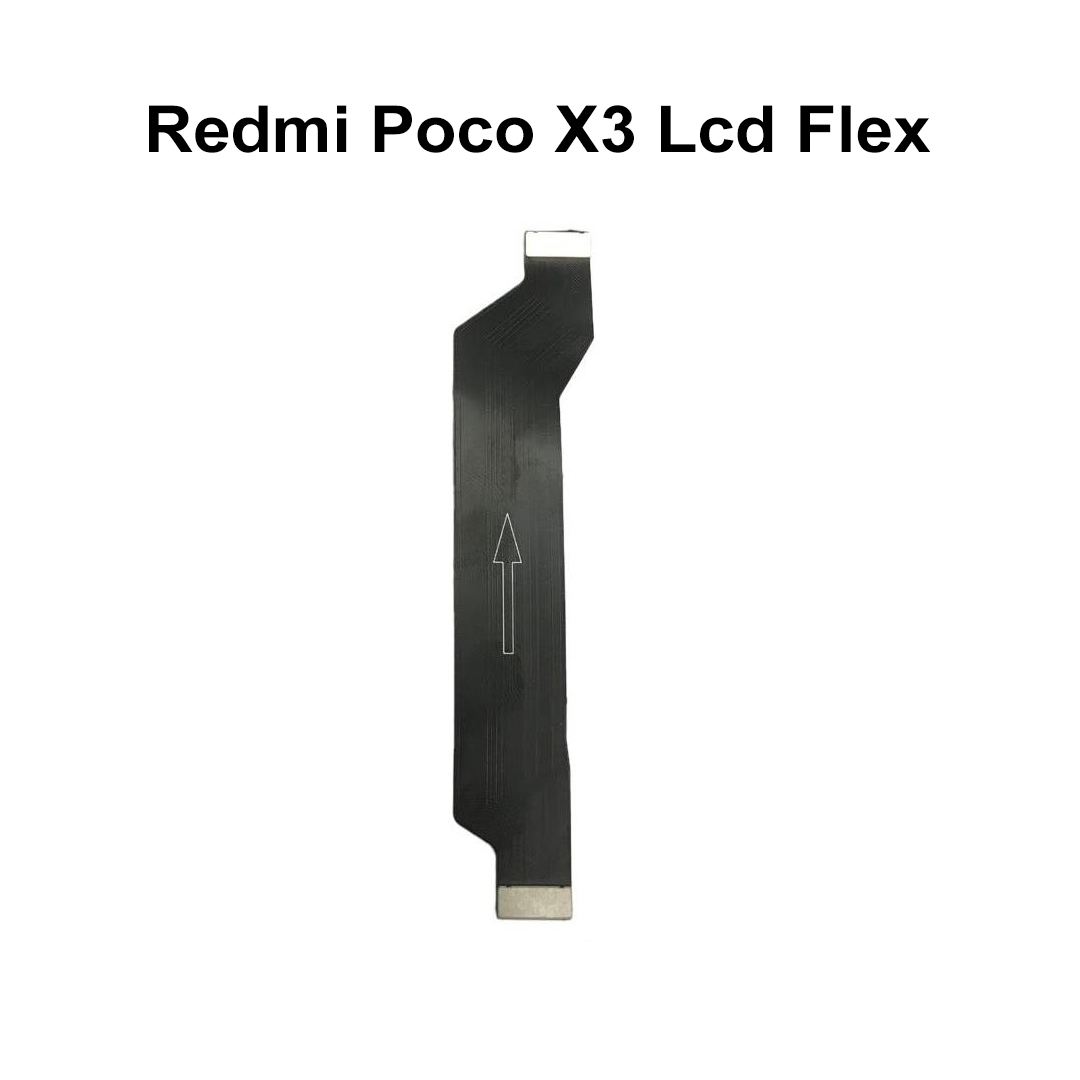
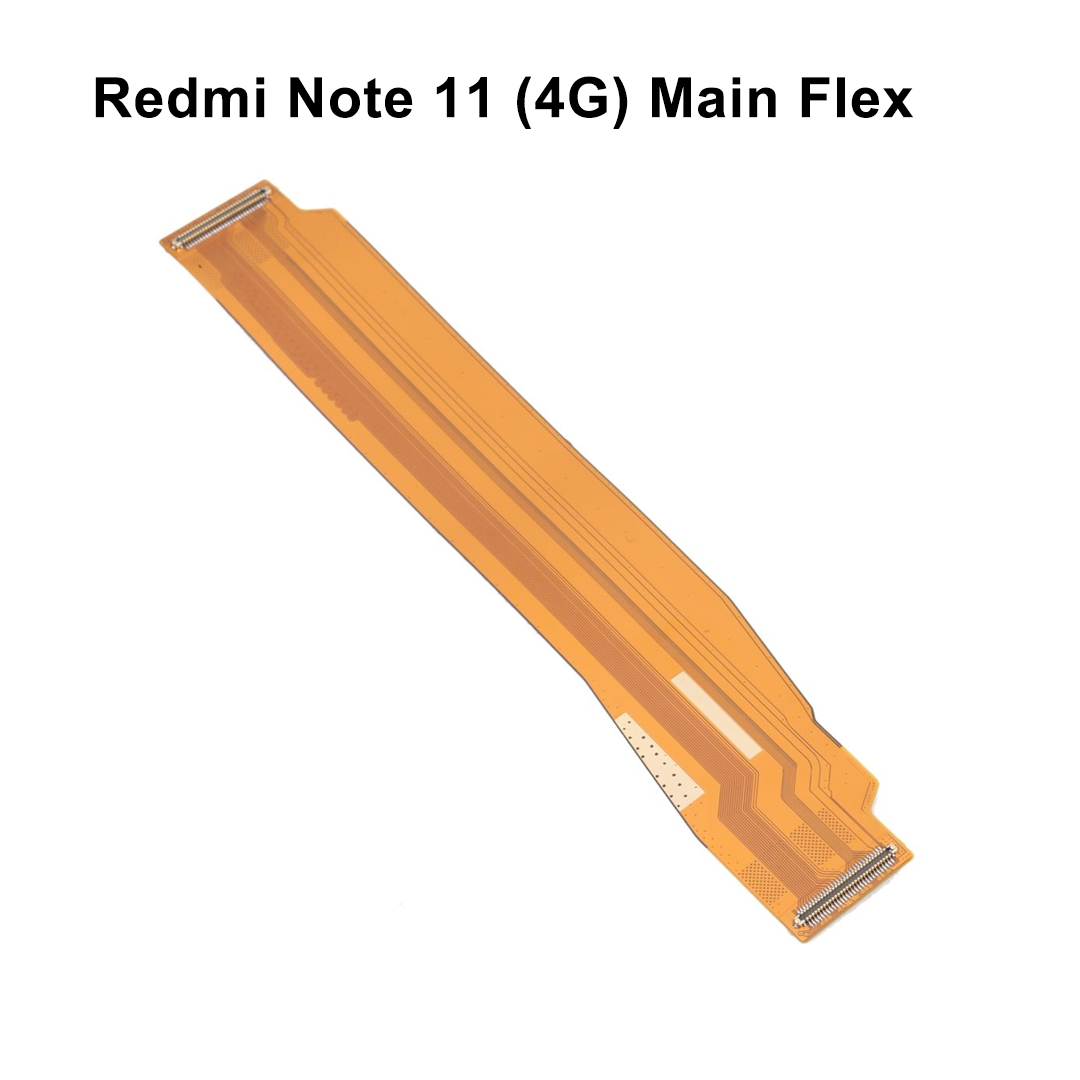
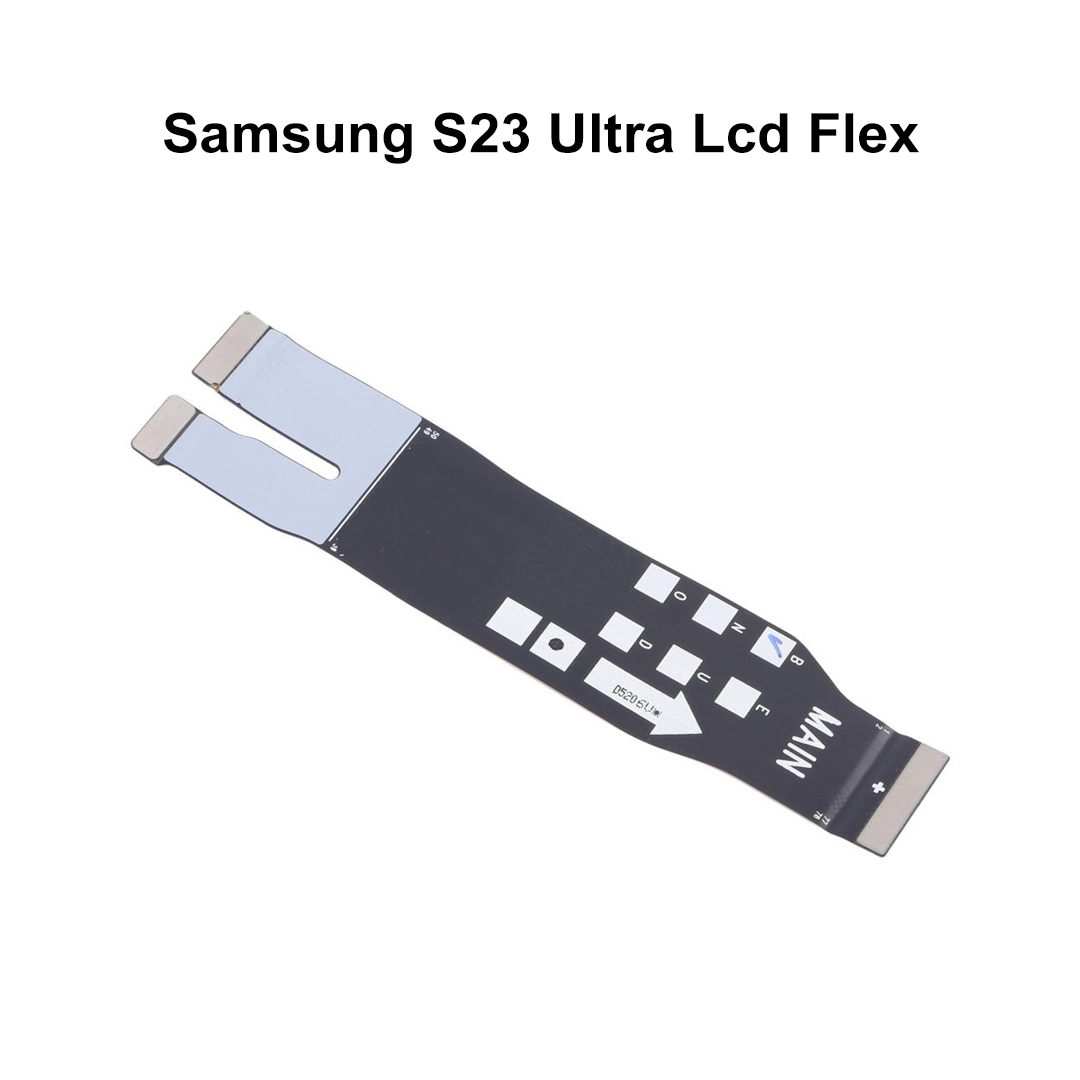
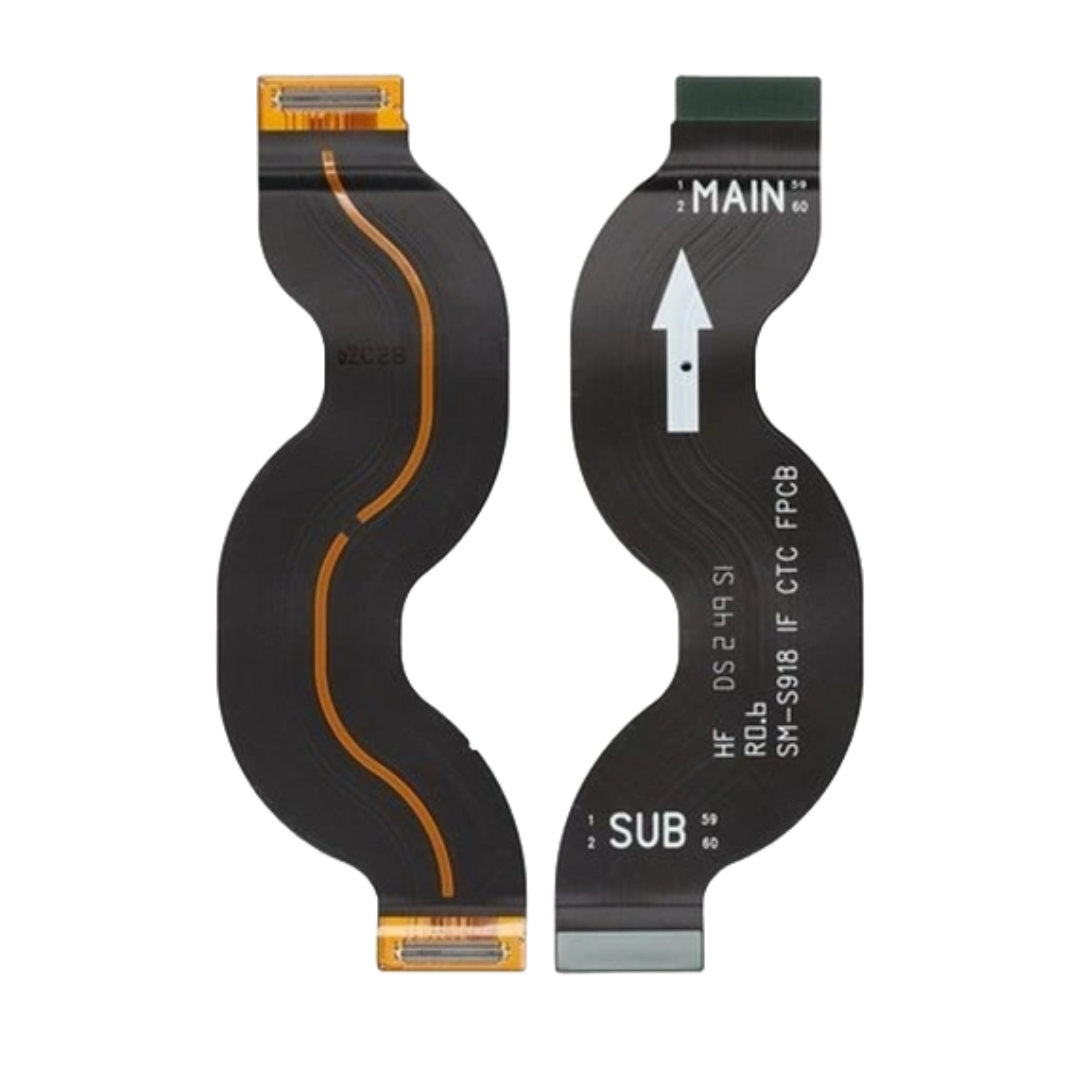
Premium Logic Board to LCD Display & Sub-Board Bridge Interconnect This OEM-quality, high-precision main ribbon flex cable bridges the gap between your device's motherboard and the lower sub-board / LCD assembly. Engineered to instantly fix critical display blank outs, slow or non-responsive touchscreen tracking, and disrupted charging circuits caused by torn, creased, or liquid-corroded internal connections. • Poco X3 (Indian Edition - Model: MZB07Z2IN) • Poco X3 NFC (Global Edition) • Poco X3 ProOverview
Specifications
Attribute
Technical Specification Details
Product Name
Main LCD Motherboard Board Interconnect Flex Cable Ribbon
Sub-Category
Motherboard to Display & Charging Logic Bridge Component
Material Base
Flexible Printed Circuit (FPC) - High-grade Polymide substrate
Trace Metallurgy
Micro-fine Electrolytic Tough Pitch (ETP) Copper Trace arrays
Connector Type
Multi-Pin Micro-pitch snap-on Board-to-Board (B2B) connectors
Contact Plating
Hard-Gold Plated over Nickel coating (Corrosion and oxidation resistant)
Shielding
Electromagnetic Interference (EMI) absorbing graphite layers
Product Weight
Ultra-lightweight ~10 grams
Dimensions
Custom precision-molded specifically for the internal chassis length of the Poco X3 series
2. Complete Device Compatibility Matrix
Parameter
Application Specifications
Supported Brands
Xiaomi / Poco
Primary Device Models
Display Panel Link
Fully compatible with both Original OEM and high-quality Aftermarket LCD/IPS assemblies
Hardware Cross-Linking
Connects the central CPU/Motherboard directly to the lower Charging Dock Sub-Board, Speaker, and LCD array.
3. Failure Symptoms & Diagnostic Criteria
Visual & Functional Diagnostic Failures
What Replacing This Flex Cable Fixes
The "Black Screen" Syndrome: Phone turns on (vibrates, makes sounds) but the display panel remains entirely unlit or completely pitch black.
Restores Panel Power: Re-establishes the broken main voltage rails from the PMIC (Power Management IC) directly to the display backlight.
Intermittent Charging Drops: The device alternates wildly between slow charging, fast charging, or failing to acknowledge the USB-C cable altogether.
Re-bridges Main Power Rails: Re-establishes the high-current VBUS power trace that feeds energy from the lower charging dock board back up to the main battery assembly.
Touchscreen Unresponsiveness: Random zones on the screen exhibit zero response to touch inputs, or ghost-touch sequences occur.
Cleans Data Signal Transmission: Repairs the MIPI (Mobile Industry Processor Interface) data lines, resolving distorted image rendering.
Physical Component Cracking: The cable ribbon shows micro-tears or hard creases near the hinge points after a heavy drop or clumsy battery replacement.
Ensures Flat Physical Tracking: Restores structural continuity over flexible areas without risking early stress fractures or micro-shorts.
4. Professional Workshop Installation Guidelines
Step Sequence
Step-by-Step Technical Repair Process
1. Disassembly Preparation
Power down the Poco X3 completely. Heat the back glass panel evenly to soften the adhesive, then use a thin guitar pick or plastic card to separate the rear shield.
2. Internal Shield Removal
Unscrew and remove the upper logic board plastic motherboard guard and the lower loudspeaker chamber assembly.
3. Static Discharge Safety
Crucial: Always disconnect the battery flex connector first before touching or unlatching any other internal display ribbons to avoid short-circuiting the board.
4. Pre-Installation Testing
Lay down the new replacement flex cable ribbon. Gently press down on both the upper and lower connectors until you hear a clean "click". Test functionality completely before gluing or screwing anything back down.
5. Final Attachment Caution
Avoid using aggressive metal tweezers directly on the middle surface of the ribbon trace. Do not create acute folds or 180-degree hard bends in the plastic sheet body.
5. Wholesale Logistics & Quality Controls
Category
Distribution & Trade Standards
Quality Assessment (QA)
Every ribbon unit undergoes strict micro-continuity checks and physical pin-alignment audits under magnification lenses prior to packaging.
Packaging Standards
Sealed in specialized Anti-Static ESD (Electrostatic Discharge) bubble pouches and shipped inside rugged, crush-resistant boxes.
Storage Instructions
Keep stored flat in climate-controlled environments. Avoid humidity to prevent premature tarnishing of the delicate B2B connector pins.
Warranty Window
Covered by a standard testing warranty policy (replacement cover valid only prior to permanent glue application or protective film removal).
| Weight |
0.002 kg |
|---|
Customer Reviews
No reviews yet
Be the first to review this product.